
Soon, Microsoft Photos Will Let You Auto-Categorize Images with AI
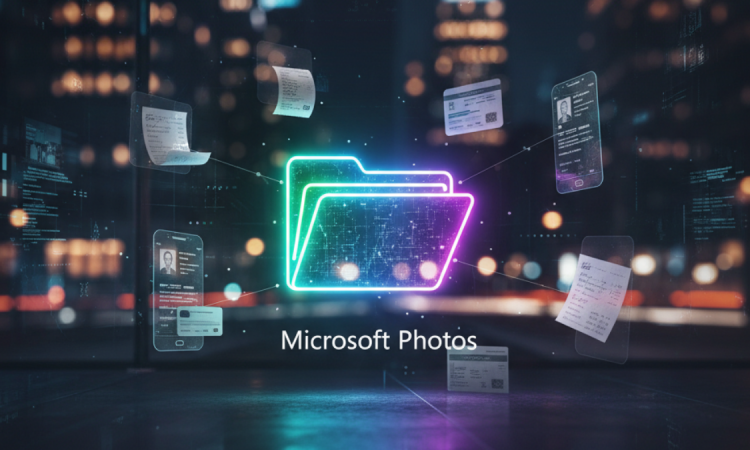
In a world overrun with smartphones and digital cameras that immortalize our daily life experiences in multitudes, managing an ever-increasing library of images can get out of hand in no time. Microsoft has stepped up to the plate and announced an exciting feature for its Photos app: automatic categorization using AI. The company is adding an experimental feature that will automatically sort the images on your phone into folders such as receipts, screenshots, identity documents, and notes. This is a significant step toward making photo management easy and hassle-free for users.
Why AI Categorization Matters
For many, the number of images on devices is just getting out of hand. With family pictures, work images, scanned documents, and everyday reminders mixed in, sorting photos into albums manually can be tedious.
The new AI-based classification by Microsoft seeks to solve this challenge by leveraging AI algorithms to analyze each image and classify it into a suitable category. This will save users from having to scroll through hundreds of photos to find an important document or a recently saved screenshot.
Early Testing and AI Accuracy
Testing is currently limited to a few users familiar with the Microsoft Photos app. Initial reports suggest that the AI is very accurate across a wide array of content types.
- Receipts: Identified by text layouts, logos, and general appearance typical of purchase confirmations.
- Screenshots: Recognized by aspect ratio and digital interface elements, distinguishing them from personal photographs.
- Identity Documents: Driver’s licenses, passports, and insurance cards are grouped together.
- Notes: Typed or handwritten notes are organized into a separate folder.
Microsoft’s Broader AI Strategy
Microsoft has been focused on integrating AI throughout its range of products, including Office applications and cloud services. Today’s news in the Photos app aligns with the company’s mission to use AI to enhance productivity and handle everyday tasks.
By organizing photos automatically, Microsoft isn’t just saving users time—it is also laying the groundwork for future AI-driven features such as smart search and intelligent content recognition.
Benefits of AI Categorization
Efficiency:
One of the main benefits of AI categorization is efficiency. Users often need quick access to specific types of images:
- Receipts for expense reporting
- Scanned IDs for identity verification
The automatic sorting system allows users to find these images without endless scrolling, which is particularly helpful for business users or anyone handling multiple tasks on their mobile device.
Privacy and Security:
Privacy is a top priority for Microsoft. Sensitive documents like identity cards and receipts are processed locally on the device, meaning that personal files are not sent to remote servers. This approach ensures user data remains secure while meeting modern privacy standards.
Learning and Adaptation:
The AI can learn and improve over time. For example, if a user moves a photo to a different folder manually, the AI can adjust its future sorting decisions. This adaptive learning ensures a personalized and increasingly accurate experience for each user.
Future Prospects
Currently, the focus is on receipts, screenshots, identity documents, and notes, but Microsoft has indicated plans for future expansion:
- Travel photos
- Work projects
- Personal collections
- Other specialized image types
This expansion could transform Microsoft Photos into a comprehensive digital organizer capable of managing various types of content.
Challenges Ahead
Despite its potential, AI categorization faces challenges:
- Diverse image formats and lighting conditions
- Wrinkled or partially obscured receipts
- Screenshots with varying device settings
- Handwritten notes with different styles
Ongoing testing is essential to refine the AI’s ability to handle these real-world scenarios accurately.
Role of User Feedback
User feedback during testing will be critical to shaping the final rollout:
- Users may provide input on sorting accuracy and folder organization.
- Microsoft is known for iterative software improvements based on early user experiences.
- Feedback ensures the feature meets practical needs before broad release.
Industry Context
Microsoft’s AI categorization reflects a larger tech trend:
- Companies are using AI to simplify daily tasks like content management and search.
- Google Photos uses AI to recognize faces, objects, and locations, allowing users to search and group photos efficiently.
- Microsoft focuses on functional, utility-oriented categories, such as documents and receipts, appealing to both personal and business users.
User Experience and Digital Clutter
This upgrade promises to eliminate digital clutter for everyday users. Imagine:
- No more lost vacation photos
- Work screenshots neatly organized
- Scanned receipts in dedicated folders
- Important notes easy to find
The AI system transforms Microsoft Photos into a more intelligent, context-aware platform, improving both convenience and overall user experience.
Conclusion
Microsoft’s AI-driven automatic filing system is a significant leap forward in digital photo organization.
By automatically sorting images into categories like receipts, screenshots, identity documents, and notes, Microsoft addresses a common pain point for users. Early testing shows:
- High accuracy
- Adaptive learning
- Strong privacy protections
Challenges remain, especially when processing diverse images under varied conditions. Nevertheless, the prospect of well-organized, easily accessible photo libraries is closer to reality. As Microsoft continues to refine this technology, users can look forward to a smarter, more efficient Photos experience, redefining how we interact with digital memories and important documents.








